 Travada Systems
Travada tells you what every trip, truck, driver and route makes. To get there it needs three things: your trucks, your drivers, and the trips they run. This page is the short route through all three.
1. Set up your company
When you first sign in, the setup wizard asks for your company name, country, currency and timezone. The currency is the one every amount and report is shown in, so pick the one you invoice in.
2. Add your trucks and drivers
The wizard adds your first truck and driver with you. Add the rest whenever you're ready:
- Add your trucks under Vehicles → Add/Manage Vehicles
- Add your drivers under Drivers → Add/Manage Drivers
Already keep trips in a spreadsheet? Importing it adds any missing trucks and drivers for you.
3. Record trips
Each trip holds its rate and what it cost, so it shows its own profit. Pick the way that suits how you work:
- One at a time. Record a trip from Expenditure → New Trip.
- Routes you run again and again. Set up a recurring trip once, then confirm each run with the real figures.
- A trip like an earlier one. Duplicate it and change what's different.
- Months of history. Import a spreadsheet.
4. Read the numbers
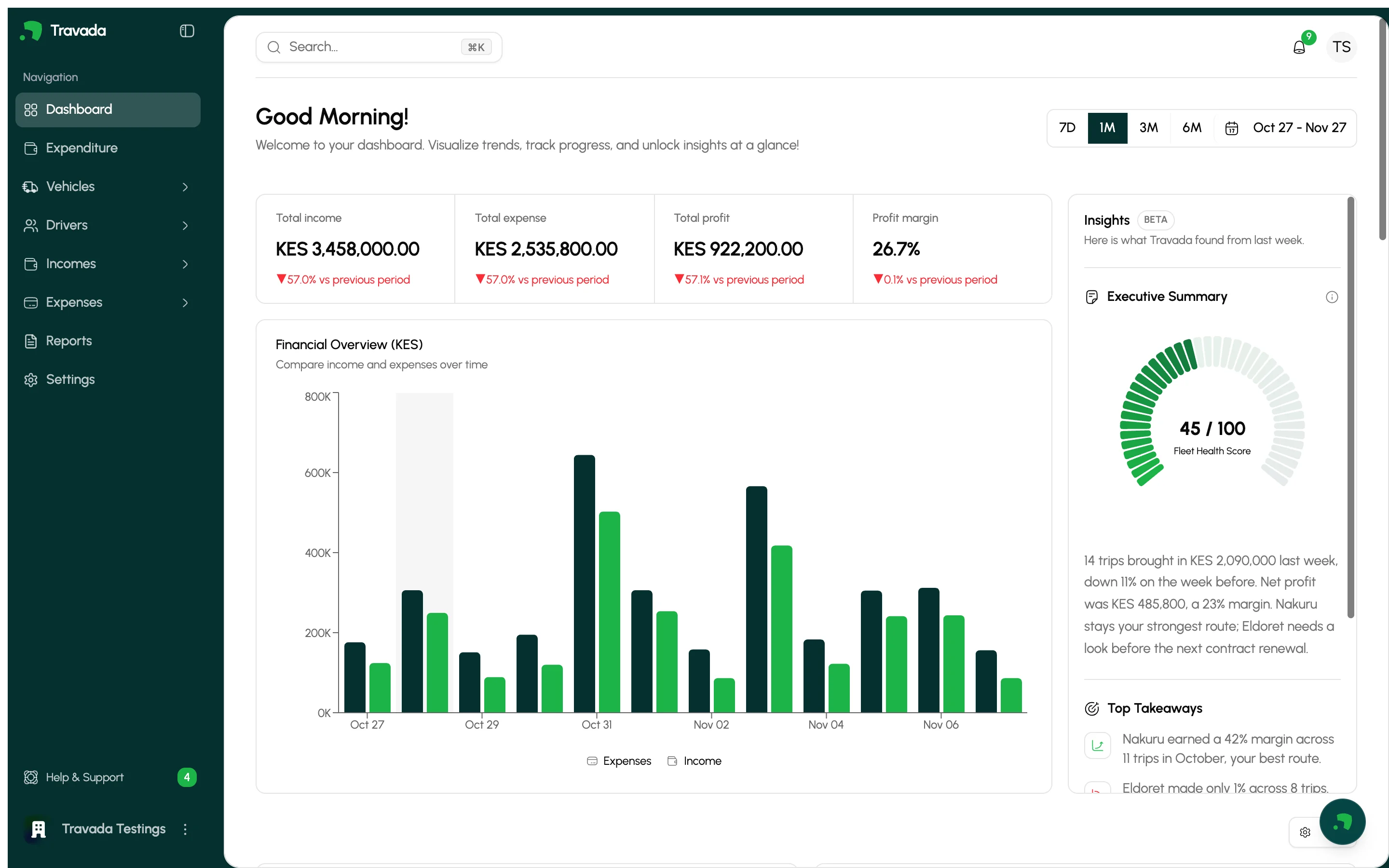
Open Dashboard to see income, costs and profit for the period, which trucks and routes earn most, and where the money goes. Reports turn the same numbers into documents you can download or share by link.
5. Bring in your team
Invite the people in your office who record trips or read the numbers. There's no charge per user.