 Travada Systems
Most fleets run the same routes again and again. Duplicating copies an earlier trip into a new one, so you only change what's different this time.
Duplicate a trip
- 1
Pick the trip to copy
On the Expenditure page, open the trip's ⋯ menu and choose Duplicate trip.
- 2
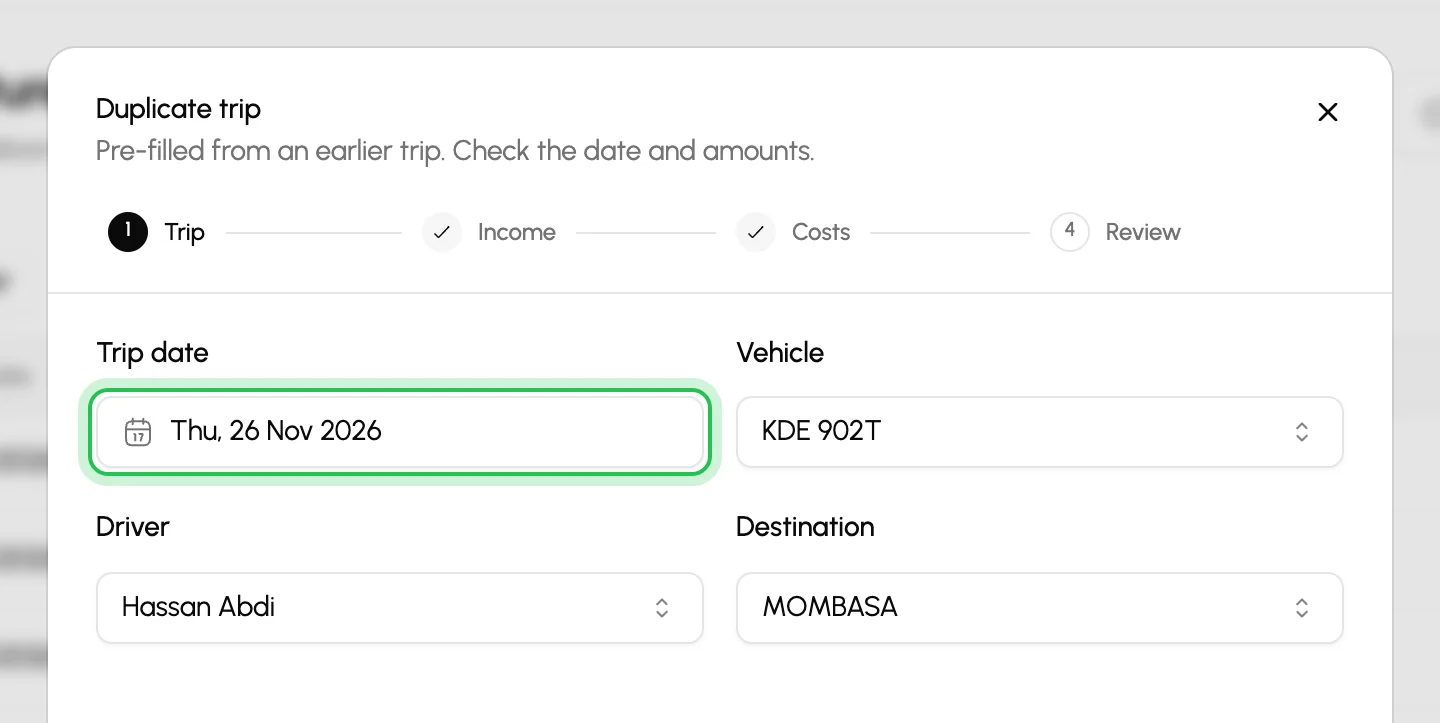
Check what was copied
The new trip opens with:
- the date set to today;
- the same vehicle, driver and destination;
- the same rate, fuel, parking, clerk fee and mileage fee.
Detention, repairs and extra costs are left empty, because they're rarely the same twice.
- 3
Change what's different and save
Set the right date and amounts, add any detention or one-off costs, check the Review step, and click Add trip.