Travada Systems
The Drivers page lists everyone who drives for you. Each trip records its driver, so you can see what every driver's trips earned and cost.
Add a driver
Open Drivers → Add/Manage Drivers and click Add Driver. Enter their name and phone number. The full steps are in Add your drivers.
Edit a driver
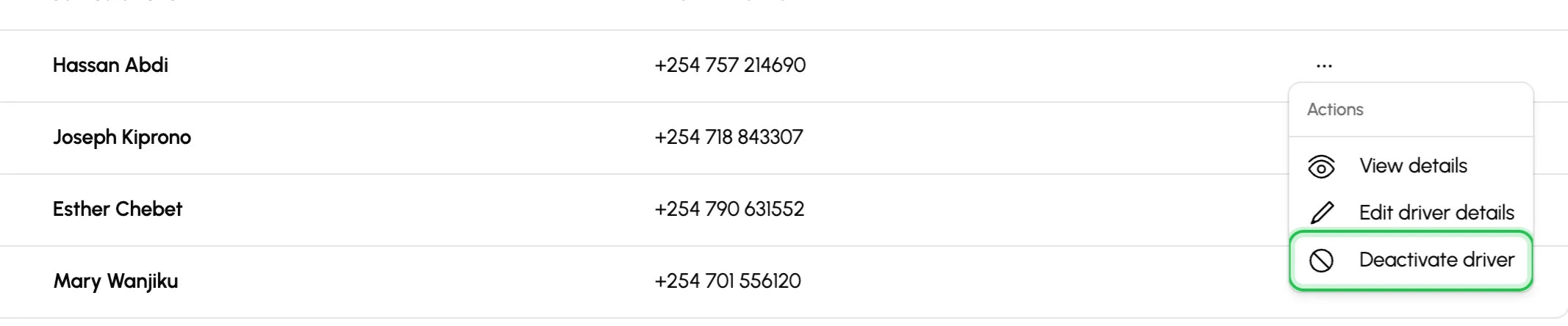
In the drivers table, open the driver's ⋯ menu and choose Edit driver details. You can change the name and phone number.
See how a driver is doing
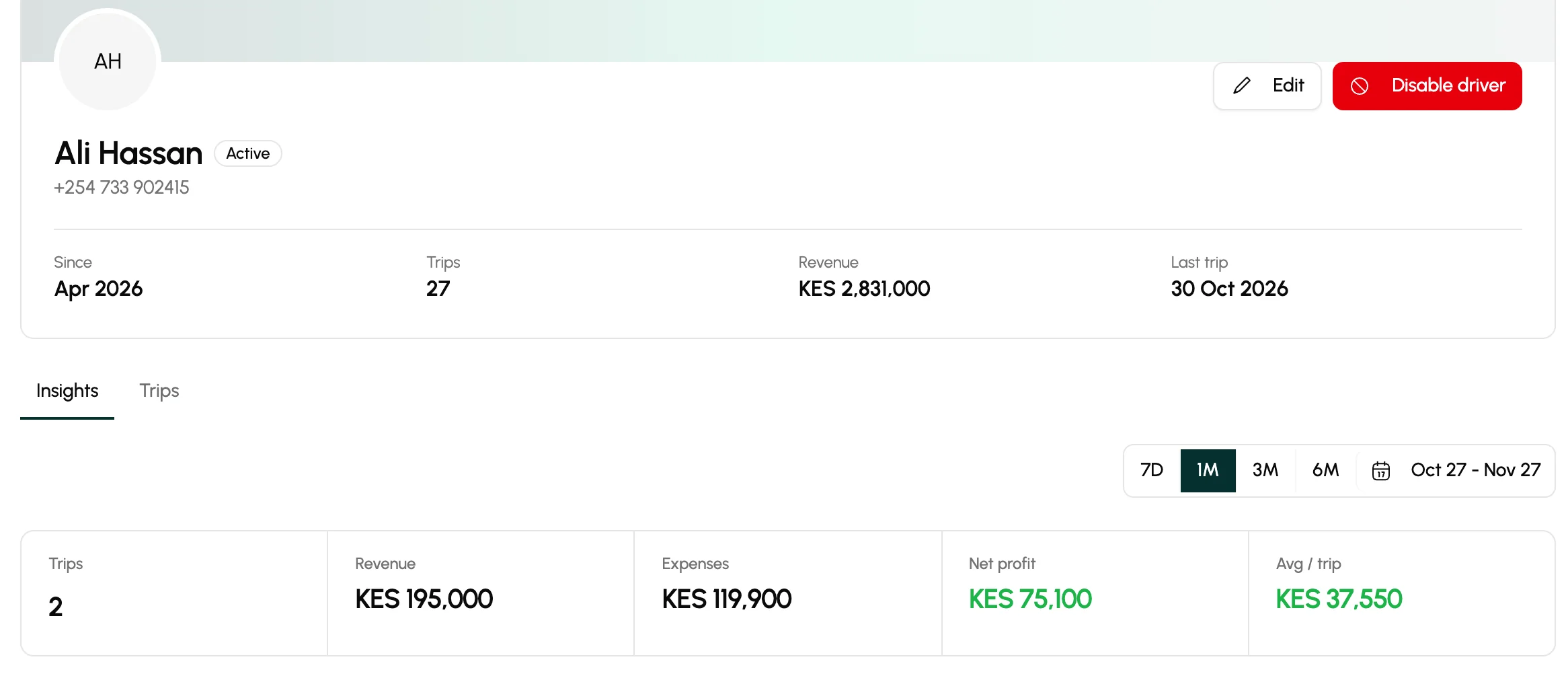
Choose View details, or click the driver's name. Their page shows when they started, their trips and revenue to date, and their last trip. Insights has the revenue, costs and profit of their trips for the period you pick, the destinations they run and the trucks they drive. Trips lists every trip.
Compare drivers
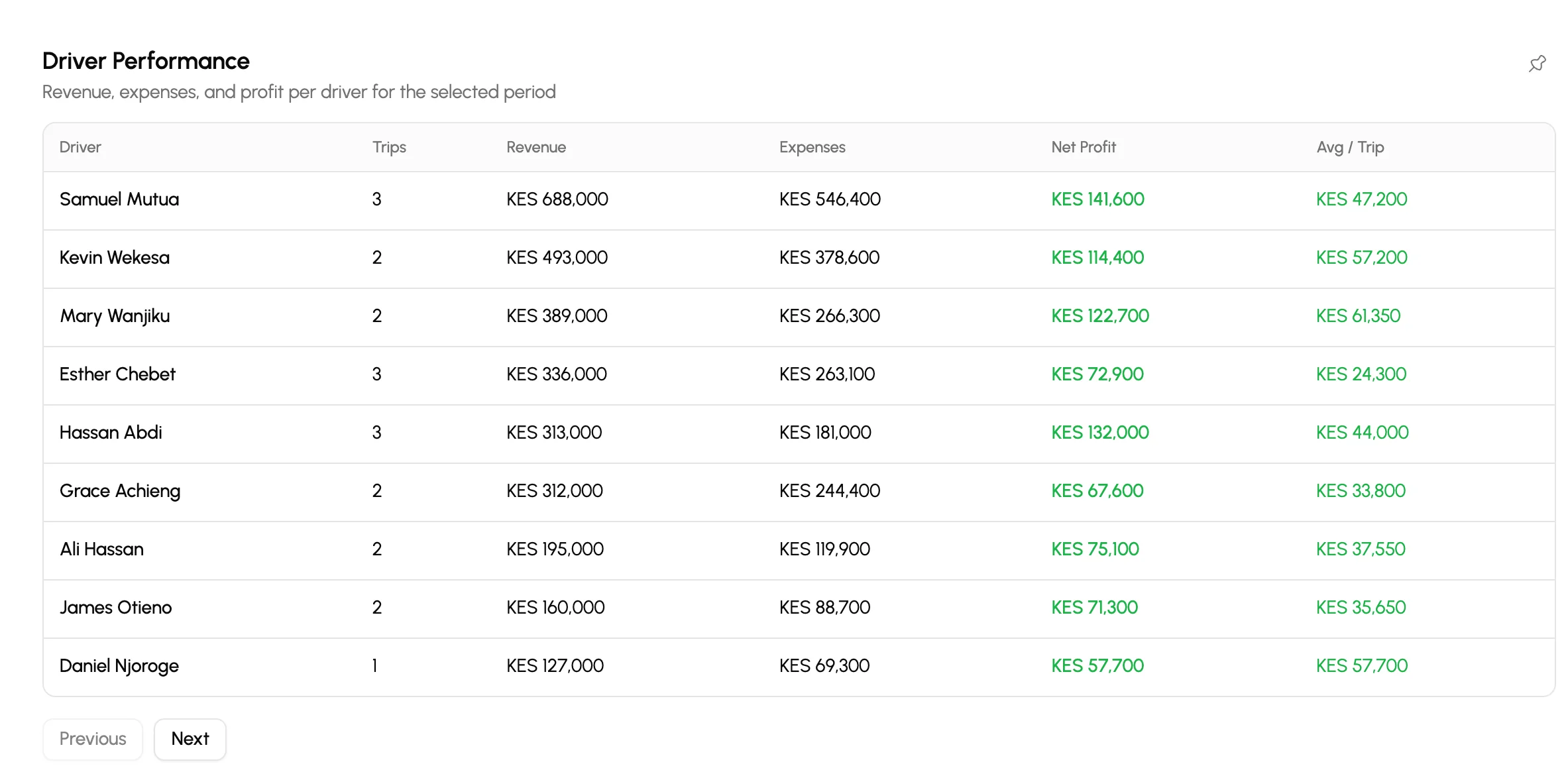
Drivers → Driver Insights ranks your drivers for the period you choose, with each one's trips, revenue, expenses, net profit and average per trip.