 Travada Systems
When a truck is sold, written off or parked for a while, disable it rather than deleting it. A disabled vehicle:
- disappears from the trip form, so nobody records trips against it by mistake;
- keeps all its past trips, which still count in your reports;
- isn't billed for the months it stays disabled.
Disable a vehicle
From the vehicles table, open the truck's ⋯ menu and choose Disable vehicle, then confirm. You can also use Disable vehicle at the top of its page.
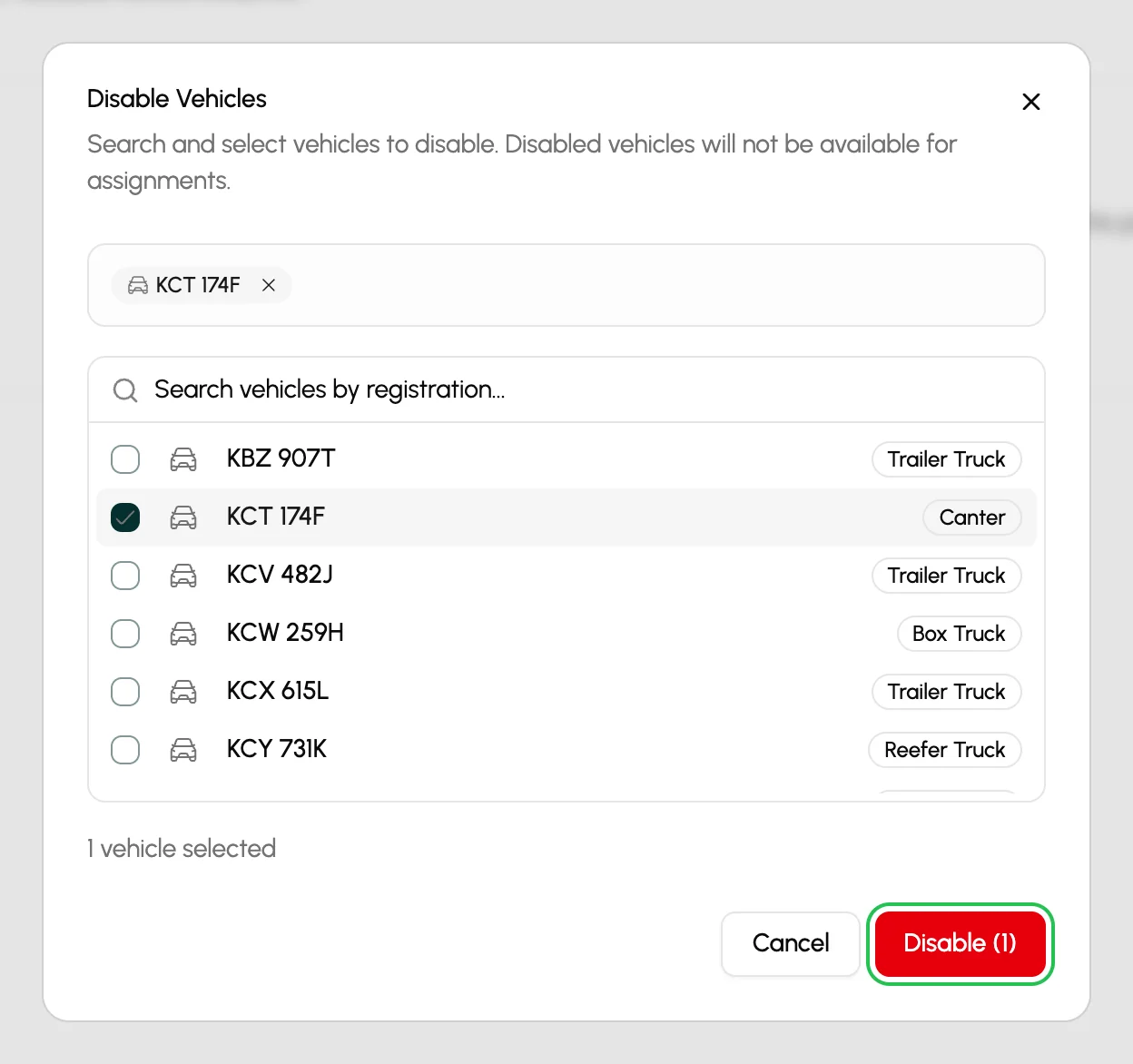
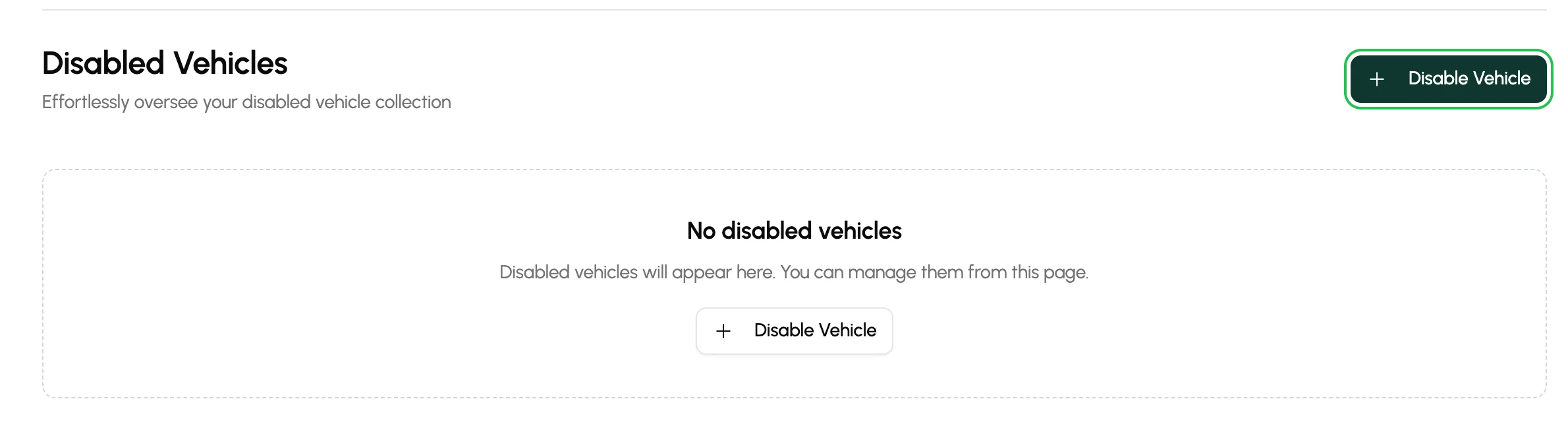
To disable several at once, open Vehicles → Disabled Vehicles, click Disable Vehicle, tick the trucks and click Disable.
Bring a vehicle back
Open Vehicles → Disabled Vehicles. Each disabled truck has Enable; confirm and it's back in the trip form straight away.
Delete a vehicle
A disabled truck also has Delete, which removes it from your list for good. Its past trips stay and keep its registration. Delete only vehicles added by mistake; for anything that ran trips, disabling is enough.