 Travada Systems
Every report has its own link. Anyone you send it to can open it in their browser without a login: a client, your accountant, a partner or your bank.
Copy the link
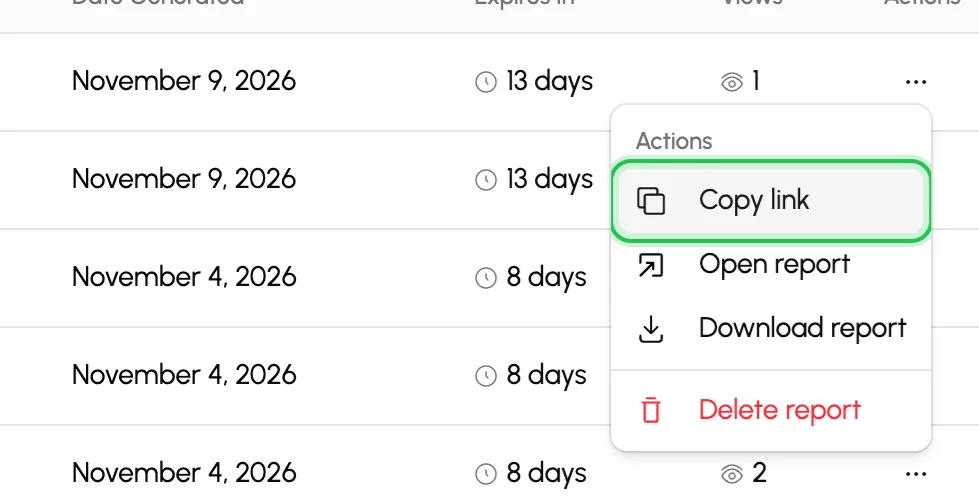
Open Reports in the sidebar, find the report, open its ⋯ menu and choose Copy link. Paste it into an email, WhatsApp or anywhere else.
What they see
The report opens as a clean page with the trips and totals it covers, and a Download PDF button. They can't see anything else in your account.
How long the link works
Each report has an expiry date, set when you made it (30 days unless you changed it). After that date the report is deleted and the link stops working. The Reports page shows how long each one has left, and Expiring Soon lists the ones about to go.
If someone needs it again after it's expired, generate the report again and send the new link.
See who's looked
The Views column on the Reports page counts how many times a report's link has been opened. It's a quick way to check a client has seen the summary you sent.