 Travada Systems
Reports in the sidebar lists every report anyone in your company has made.
The list
For each report you'll see its type, its name, the date it was made, who made it, how long until it expires, and how many views its link has had.
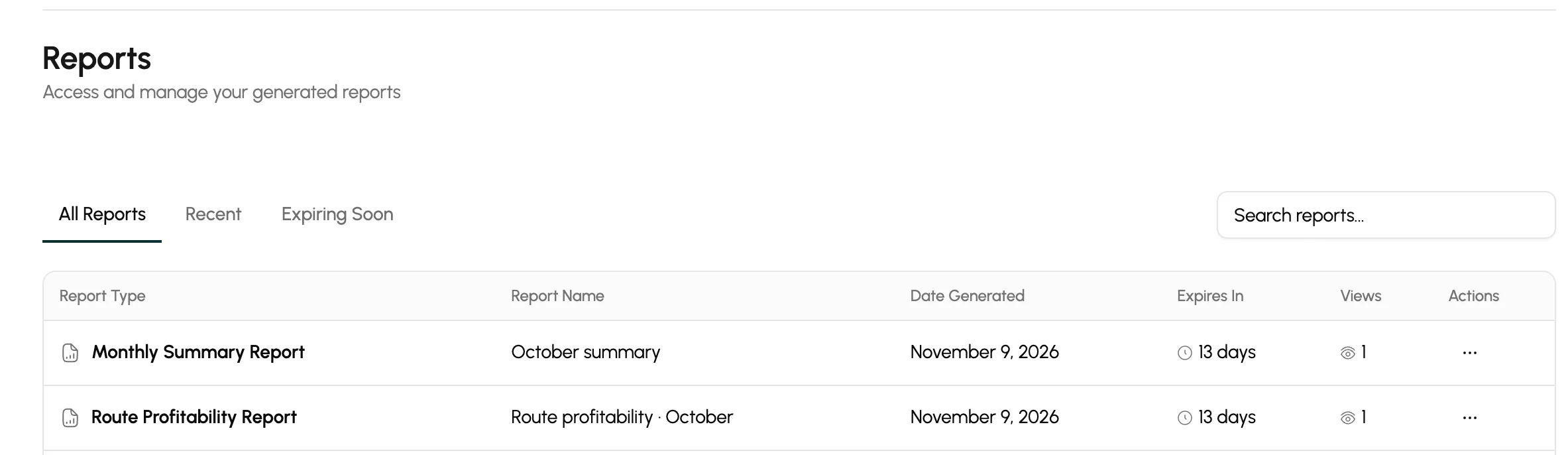
Use the tabs to narrow it, or type in Search reports:
- All Reports: everything still active.
- Recent: the latest ones.
- Expiring Soon: reports whose links are about to stop working.
Actions
Open a report's ⋯ menu to:
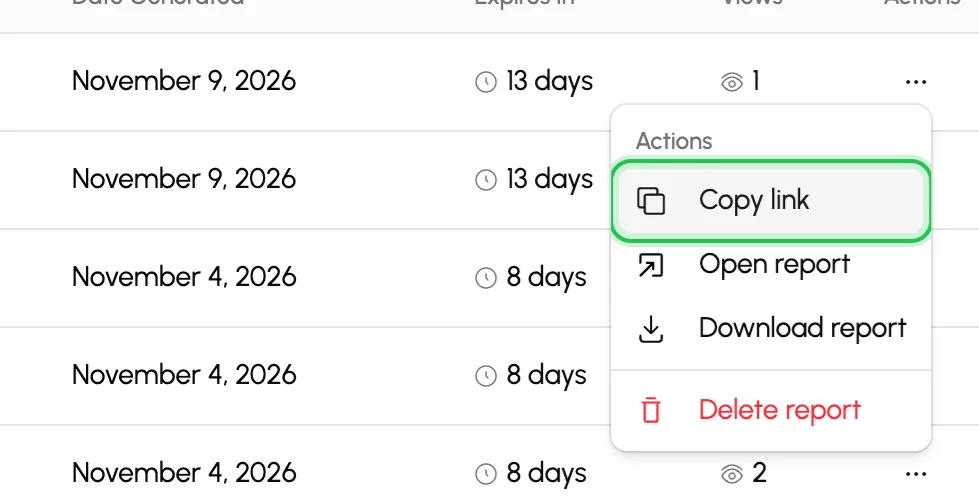
- Copy link: to share it.
- Open report: see it as the recipient will.
- Download report: save it as a PDF.
- Delete report: remove it, and its link stops working straight away.