Travada Systems
The rate is what you charge the client for a trip: the agreed price for moving the load from A to B. It's usually most of a trip's income, and it's the figure your costs are measured against.
Where it's entered
Every trip needs a rate. You enter it on the Income step of the trip form, which won't save without one. Recurring trips carry it from their template. In a spreadsheet import, a blank rate comes in as 0 with a warning, so fix those rows afterwards.
The Rate page
Open Incomes → Rate to see the rate on every trip in the period, with the total rate fee at the top and the change against the period before. Filter by Registration or Destination to answer questions like "what did we charge for Mombasa runs this month?"
Rate Summary report
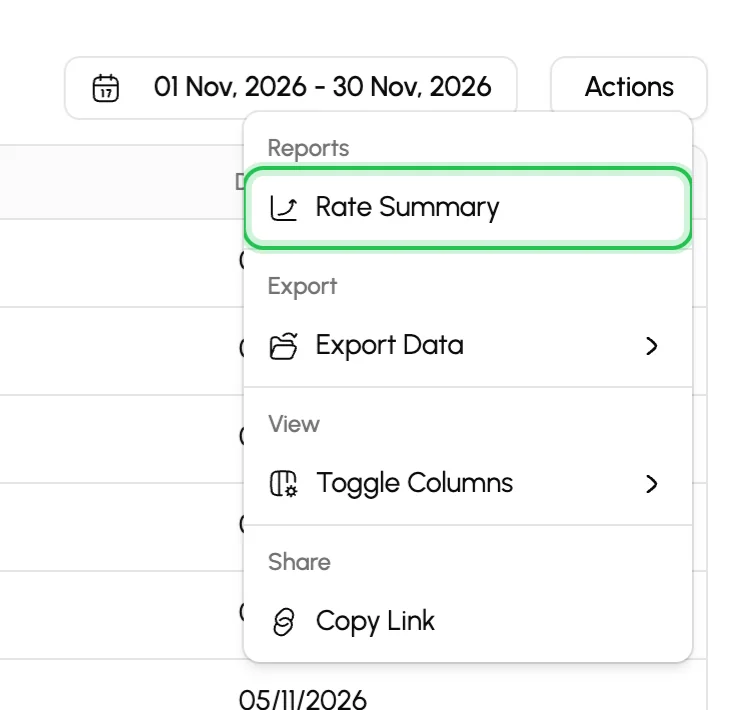
To send a client the trips and rates for a period, use Actions → Reports → Rate Summary. It builds a report from the trips on the page, with your dates and filters applied. See Invoice your clients.