 Travada Systems
Your account is yours alone, separate from your company's settings. Anything you change here affects only you.
Profile and sign-in
Open Settings → Profile to:
- change your name and profile picture;
- add or change your email address;
- set or change your password, or connect a sign-in method;
- see where you're signed in, and sign out of other devices.
Light or dark
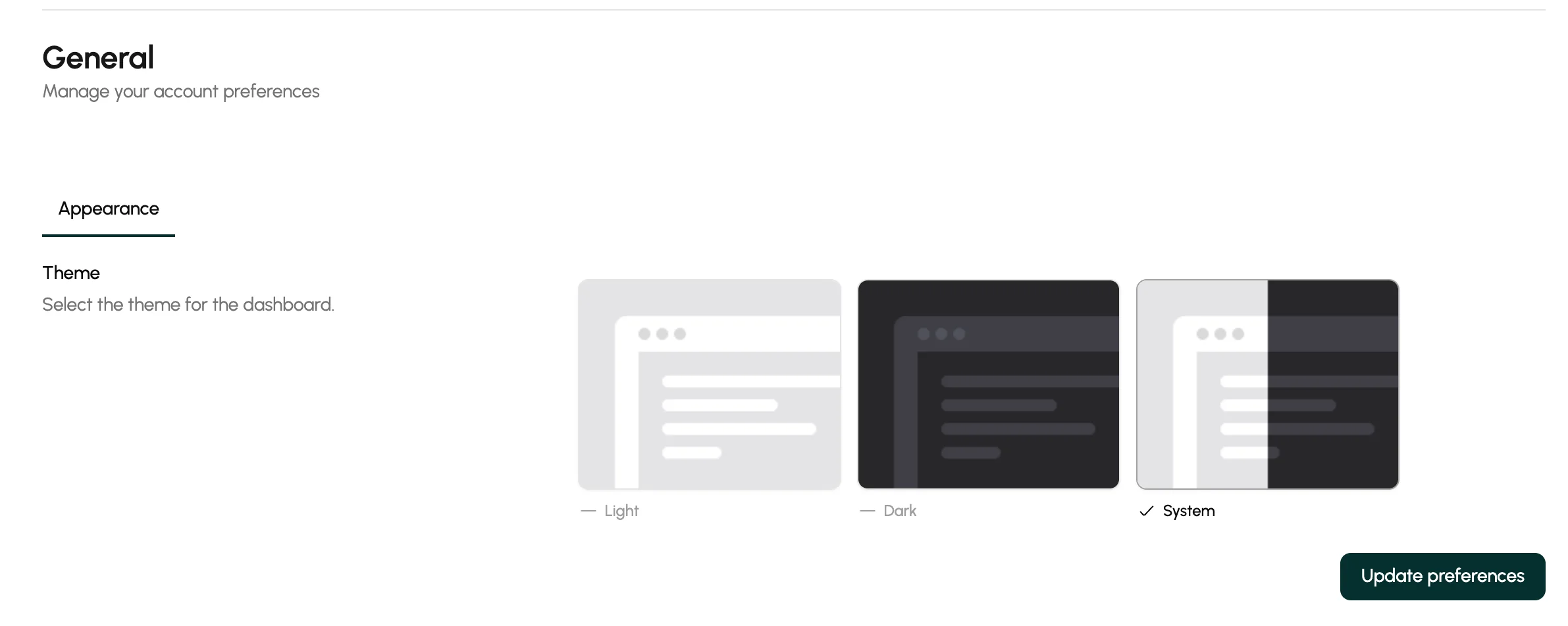
Under Settings → General, choose a Theme: Light, Dark, or System to follow your device. Click Update preferences.
Notifications
What you're told about, and how, is set per person too. See Notifications.