 Travada Systems
The Assistant answers questions about your business from your own trips, in plain words. It can also do some of the work for you: log a trip, add a fuel discount, read a receipt or make a report.
Open it
Click the round Travada button at the bottom right of any page. You can also type a question into Search (⌘K) and send it to the Assistant.
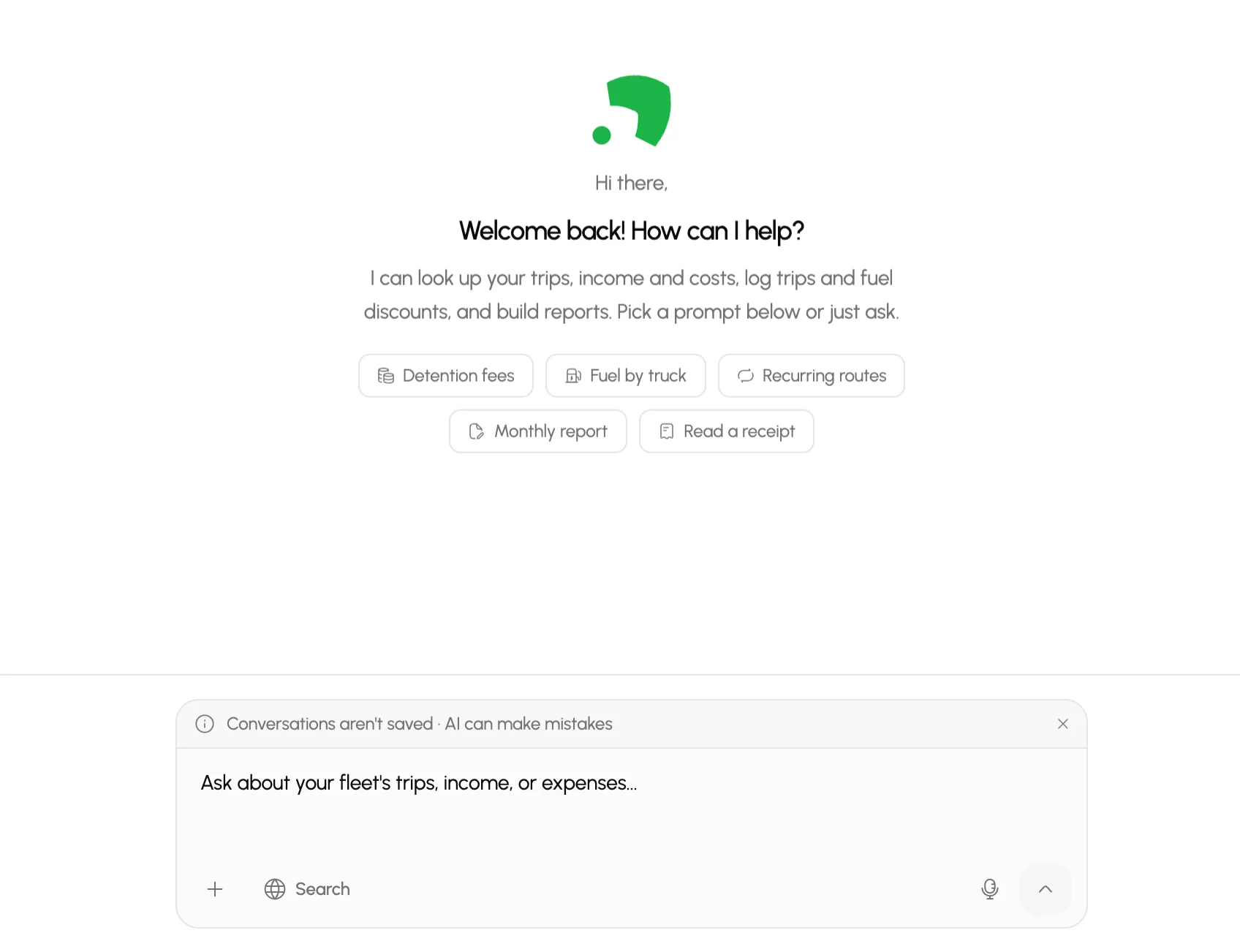
What to ask
Start with a suggestion, or ask your own question. For example:
- "Which route made us the most profit this month?"
- "How does this month's revenue compare with last month?"
- "Which trucks spent the most on fuel this month?"
- "How much detention did we charge this month, and on which trips?"
- "Which routes are set up to repeat, and when do they run next?"
It answers from your data and shows the figures it used, so you can check them.
Let it do the work
- Log a trip: "Log a trip for today: KDE 902T, Hassan, Mombasa, rate 127,000, fuel 53,800."
- Read a receipt: click + to attach a photo of a fuel slip or receipt, and ask what's on it or to log it.
- Add fuel discounts: "Apply a fuel discount at 175 a litre against a pump price of 180 to last week's Mombasa trips."
- Make a report: "Make a vehicle P&L report for October." See The reports you can make.
You can also speak instead of typing: click the microphone.